
Turn your clips into a polished recruiting reel.
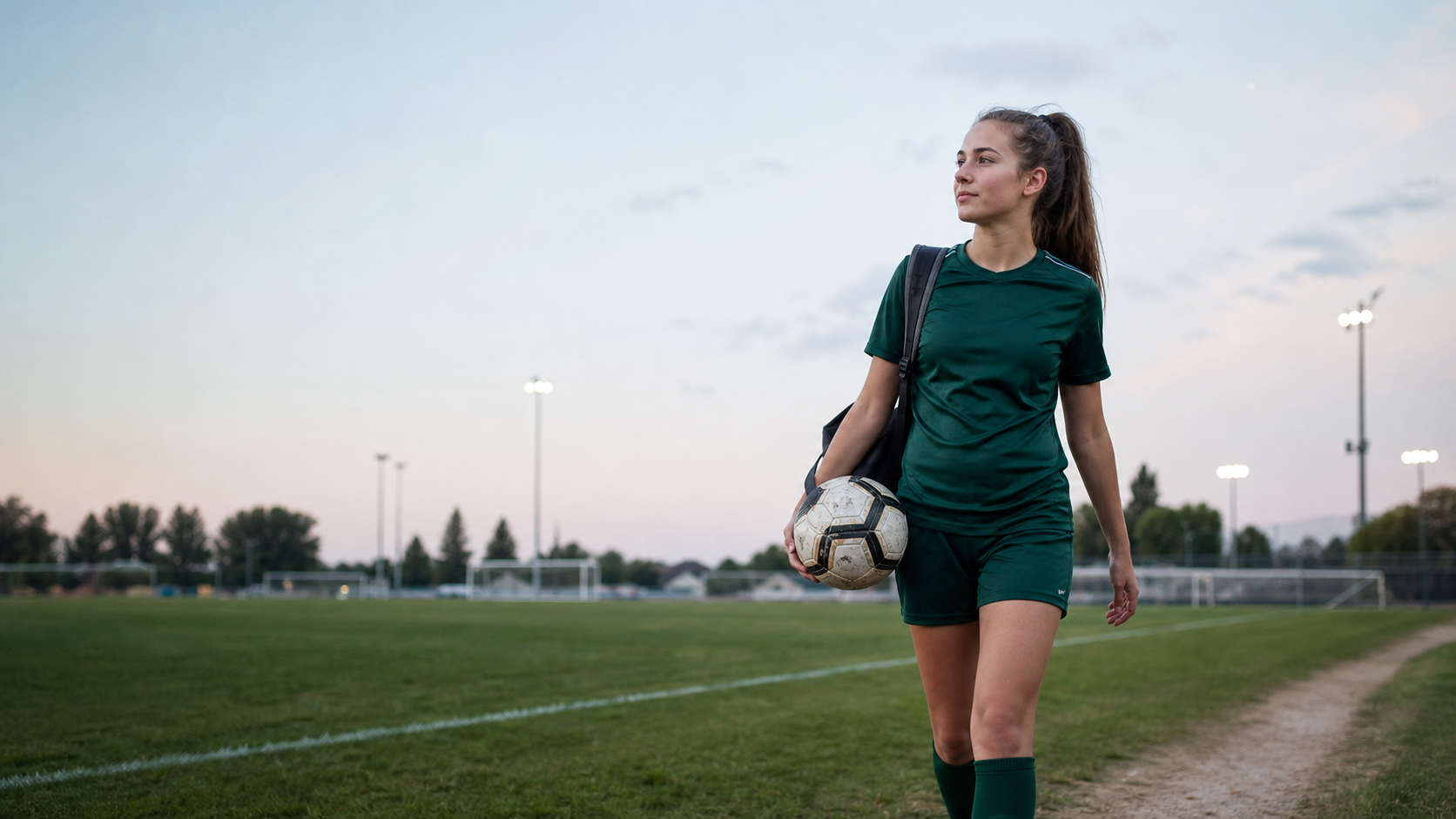
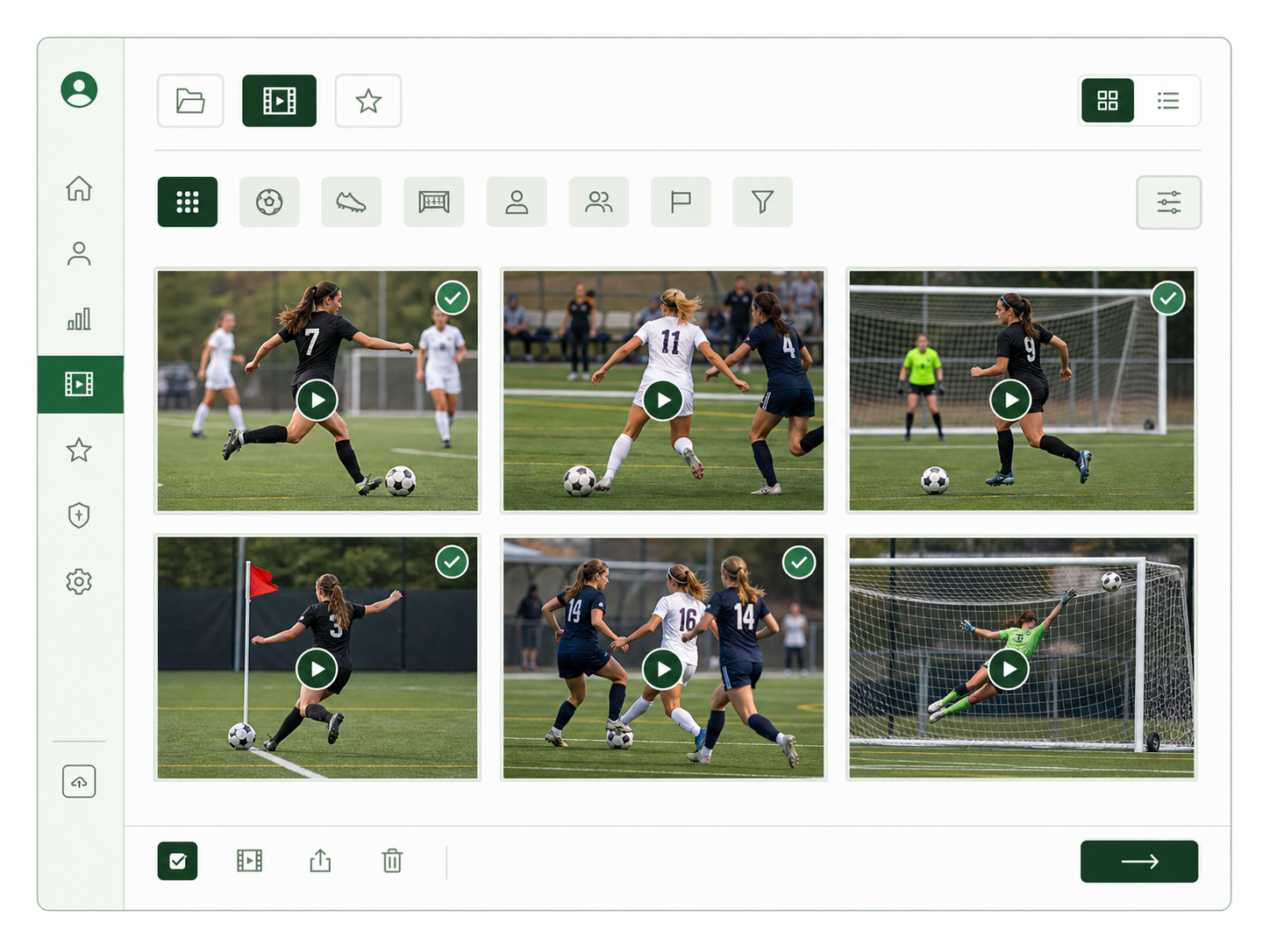
Bring clips from Veo, Hudl, phones, and cloud folders into one place. 3rdhalf turns your best moments into a share-ready recruiting reel, while keeping your library under your control when a club or school changes platforms.
Build
A polished reel in minutes
Keep
Your clips, under your control
Share
When you are ready
Your film stays with you.
Keep your clips organized, choose the moments to feature, and share a polished reel on your terms.
Your footage does not start in one place. Your recruiting reel can.
A recruiting reel should not require a production workflow.
The usual route moves the same footage through too many places. Each finished reel becomes another file to manage—while the clips and choices behind it remain scattered.
The usual workaround
Useful tools, but a handoff-heavy path to one finished video.
- Export clips
Download footage from each source.
- Edit elsewhere
Move it into Canva or CapCut.
- Upload another copy
Render, download, then publish to YouTube.
With 3rdhalf
The library, player spotlight, reel, and share page stay connected for whatever comes next.
- Keep the source clips
Bring footage into one player-owned library.
- Make the player obvious
Review and approve a spotlight alongside the original clip.
- Build from what you keep
Make each reel from organized, reusable clips.
- Share from the same place
Send one coach-ready page—no extra upload required.
The reel is the point.
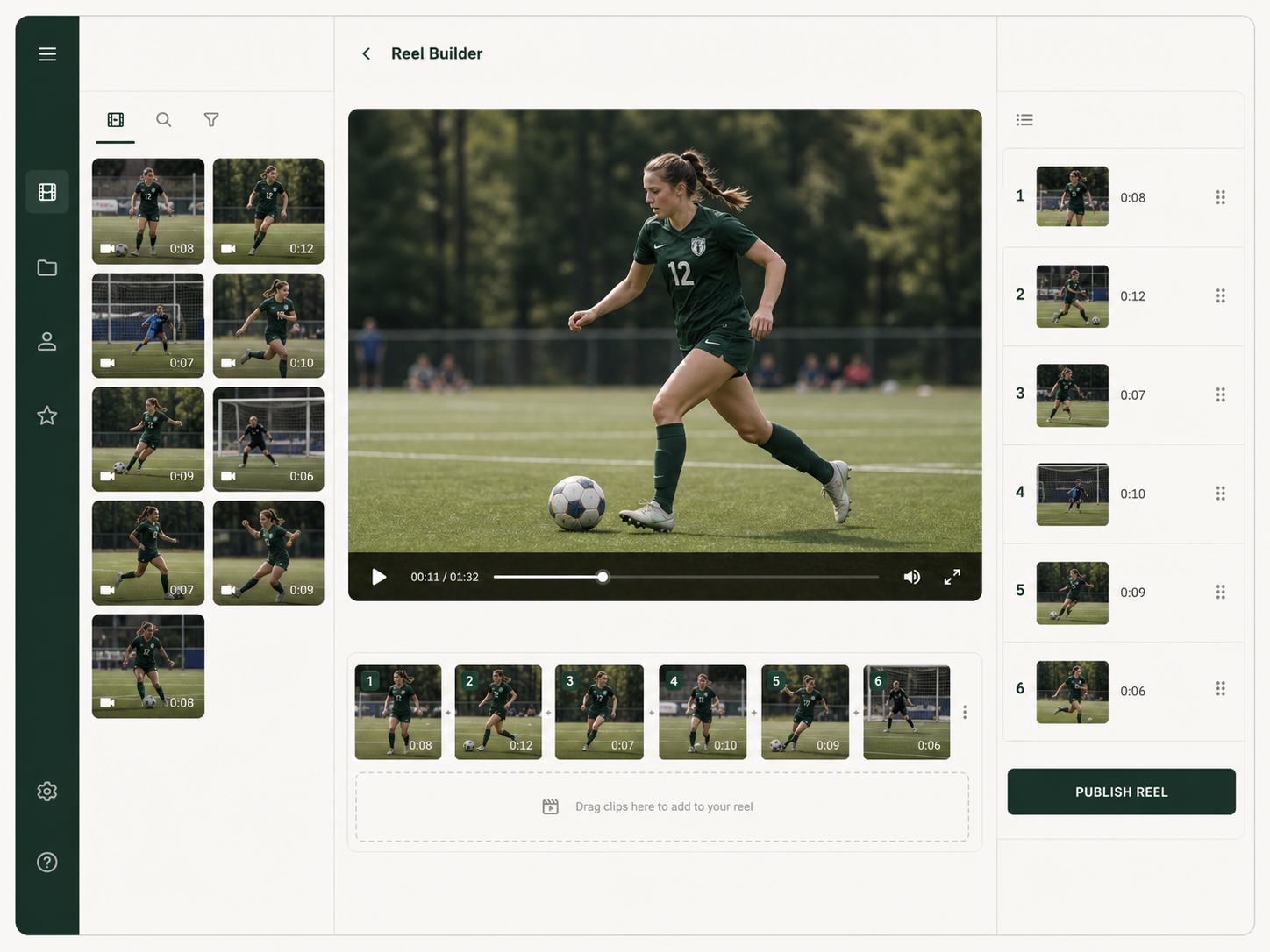
A focused builder takes the friction out of going from a folder of clips to a polished recruiting story. No complicated timeline. No social-video template.
- Choose the clips that show your game
- Put them in a coach-friendly order
- Publish one clean link when it is ready
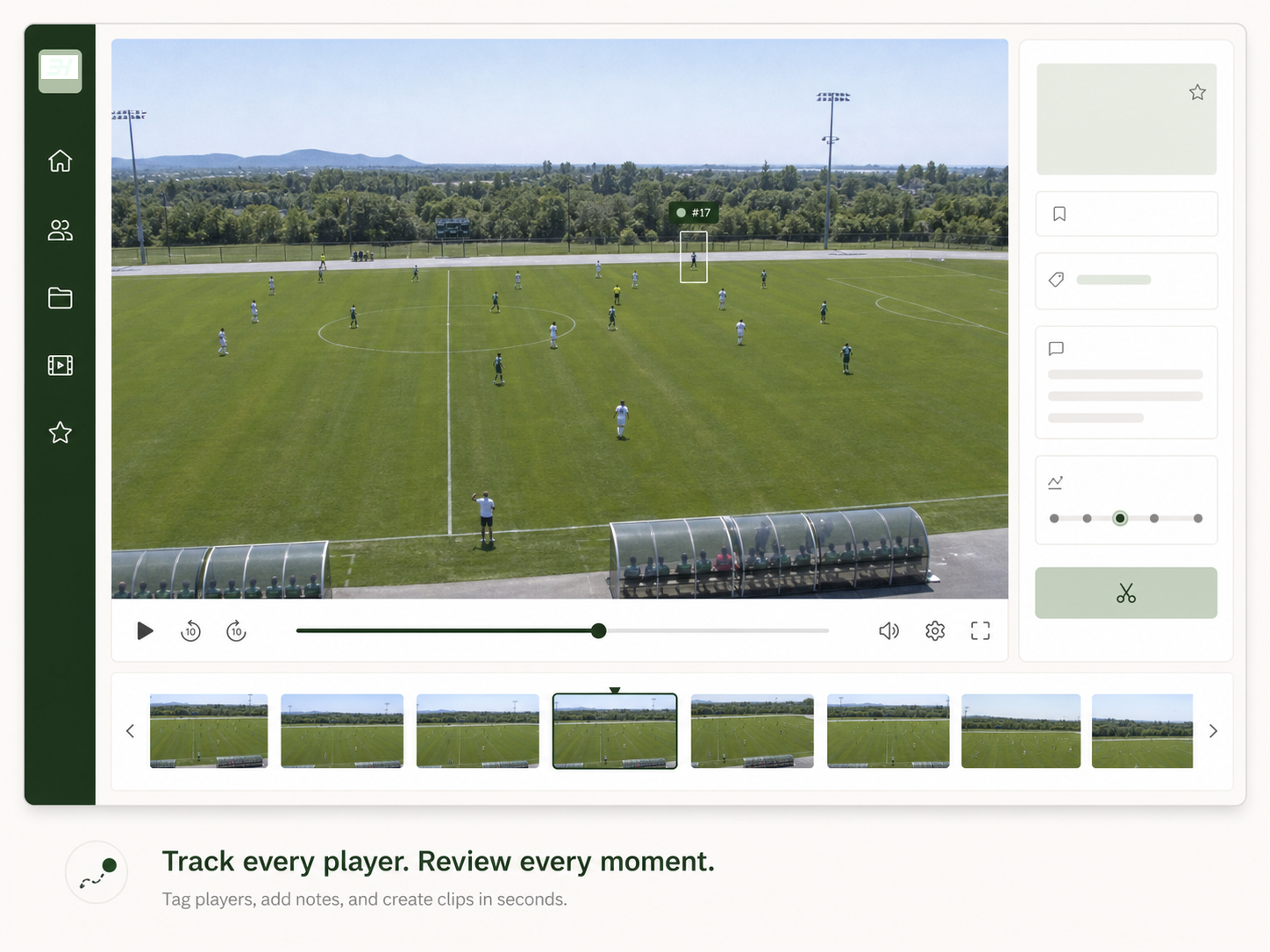
Make it clear which player a coach should watch.
Player tracking keeps the spotlight on the athlete you select, so a coach can follow the moment without searching through the frame. You review and approve the result before it goes into your recruiting reel.

Your library belongs to you, even when the platform changes.
A club or high school can change tools. Your clips, your selections, and the work you put into your reel should not have to start over with them.
Bring it in
Collect film from the places you already use.
Keep it clear
Organize the moments worth coming back to.
Use it your way
Make and share a reel on your own timing.
A simpler path from game film to a coach's inbox.
The work stays practical: collect, choose, then build something worth sending.
Bring your footage together
Import the moments that are scattered across platforms, camera rolls, and folders.
Choose what represents you
Keep a library you control, then select the clips that best show your game.
Publish a reel you are proud to send
Build a clean sequence and share one coach-friendly link when you are ready.
A reel should make it easy to see the player behind the clips.
Share one clear recruiting page instead of a trail of files, platform logins, and old links.
Player profile, reel, and the clips that support it—in one place.
Make the reel. Keep the work.
Join the waitlist for early access to 3rdhalf.